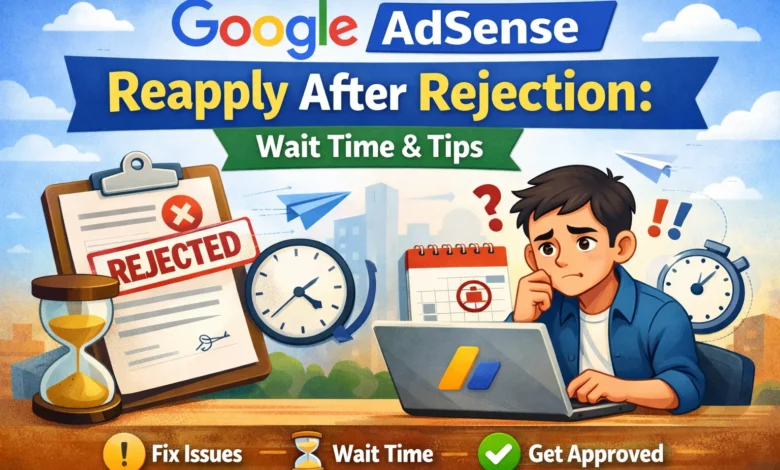
Google AdSense Reapply After Rejection Getting rejected by Google AdSense can be frustrating, especially when you’re eager to monetize your website. But the good news is that rejection isn’t the end of the road. You can reapply to AdSense after addressing the issues that caused the initial rejection. Understanding the reapply wait time and proper preparation is key to getting approval.
Why Google AdSense Rejects Applications
Google AdSense has strict policies to ensure quality content and a good user experience. Common reasons for rejection include:
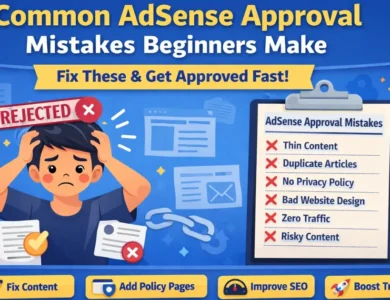
- Insufficient Content – Pages with very little content or thin articles are often rejected.
- Content Quality Issues – Plagiarized, copied, or low-quality content is not accepted.
- Website Design Problems – Poor navigation, broken links, or unresponsive design can lead to rejection.
- Policy Violations – Sites with adult content, copyright violations, or prohibited topics are automatically rejected.
- Incomplete Website – Missing About Us, Contact, or Privacy Policy pages can hurt approval chances.
How Long Should You Wait to Reapply After AdSense Rejection?
Many beginners wonder, “How long do I need to wait before reapplying?” The answer depends on the type of rejection:
- Standard Rejection: Usually due to content or website quality. Google allows you to reapply immediately after fixing the issues.
- Policy Violation Rejection: If the rejection is due to policy violations, Google may recommend waiting at least 2–3 weeks to ensure changes are effective.
- Repeated Rejections: If you reapply too soon without resolving the issues, your application may be rejected again. Focus on quality improvements rather than the timeline.
✅ Pro Tip: Don’t rush to reapply. Take your time to review your website from a visitor’s perspective. Make sure content is original, navigation is smooth, and all policies are followed.
Steps to Prepare Before Reapplying
- Fix All Content Issues
Ensure your content is original, helpful, and informative. Add at least 10–15 high-quality articles with 600+ words each. - Enhance Website Design
Make your website mobile-friendly, fast-loading, and easy to navigate. Add menus, categories, and internal links. - Complete Legal Pages
Include Privacy Policy, About Us, Contact Us, and Terms of Service pages. Google prioritizes sites that follow basic trust guidelines. - Check Traffic Sources
Avoid using paid traffic schemes or bots. Organic traffic is preferred by Google. - Review Google AdSense Policies
Carefully read all AdSense program policies to ensure your site complies.
Common Mistakes to Avoid
- Reapplying too quickly without addressing the rejection reason.
- Submitting a site with thin content or copied articles.
- Ignoring mobile responsiveness or user experience issues.
- Adding AdSense code before approval (Google monitors new attempts).
Final Thoughts
Google AdSense is highly selective, but patience and quality improvements can turn a rejection into approval. The reapply wait time is flexible, but the focus should always be on making your website better. By fixing errors, enhancing content, and complying with policies, your chances of approval increase significantly.
Remember: Quality beats speed. Take the time to make your site AdSense-ready, and your reapplication will have a higher chance of success.