How Long Does Google AdSense Take to Approve?
If you’re a website owner or blogger, getting approved by Google AdSense is a major milestone. It allows you to monetize your content and earn revenue through ads. But a common question is: how long does Google AdSense take to approve? In this article, we’ll break down the process, timelines, and tips to get approved faster.
What Is Google AdSense Approval?
Google AdSense is a program that allows website owners to display ads and earn money when visitors interact with them. Before you can start earning, your site must go through AdSense approval, where Google evaluates your website’s quality, content, and compliance with its policies.
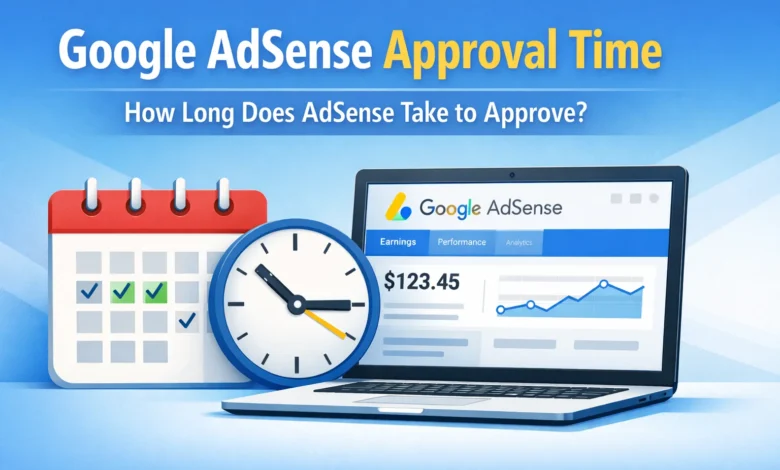
Typical Google AdSense Approval Time
The approval time for Google AdSense can vary widely depending on several factors:
- Initial Review – Usually takes 1 to 3 days.
- Google checks basic website compliance and ownership verification.
- Full Site Review – Can take up to 2 weeks or more.
- Google examines content quality, user experience, and policy adherence.
- Exceptions & Delays – Sometimes approvals may take 3–4 weeks.
- If your website has insufficient content, broken links, or policy issues.
Pro Tip: Sites with high-quality, original content and proper navigation usually get approved faster.
Factors That Affect AdSense Approval Time
- Website Age
- Google prefers websites that are at least 6 months old in some regions. Newer sites may experience delays.
- Content Quality
- Original, engaging, and substantial content improves approval chances.
- Site Design and Navigation
- A clean layout, mobile-friendly design, and easy navigation increase trust.
- Policy Compliance
- Make sure your site does not contain adult content, copyrighted material, or restricted topics.
- Domain and Traffic
- While not mandatory, sites with steady organic traffic may be prioritized.
Steps to Get AdSense Approved Faster
- Create High-Quality Content
- Minimum 15–20 well-written posts of 500+ words each.
- Ensure a Fully Functional Website
- No broken links, errors, or under-construction pages.
- Add Essential Pages
- Include About Us, Contact Us, Privacy Policy, and Disclaimer pages.
- Optimize for Mobile
- Google prefers responsive websites for better user experience.
- Avoid Restricted Content
- Follow Google AdSense content policies strictly.
- Verify Domain Ownership
- Add the AdSense code correctly and wait for verification.
What Happens After Approval?
Once approved, you can:
- Start displaying Google Ads on your website.
- Monitor ad performance and earnings via the AdSense dashboard.
- Optimize ad placement for better revenue.
FAQ
Can AdSense reject my application after a few days?
Yes, if your site doesn’t meet quality or policy requirements.
Is there a way to speed up AdSense approval?
Focus on content quality, website functionality, and policy compliance.
Does website traffic affect approval?
Not directly, but websites with regular traffic and engagement often get smoother approvals.